
1:05
EPB auto hold gone? How to set it back
Ask on WhatsAppThe car's EPB auto hold function disappeared. It is often a setting that was changed, not a fault. Ah Kiap shows how to switch it back on.

We stay with you after the sale, on WhatsApp and on video.
WhatsApp TK PartsMost mechanics in Malaysia learned the trade hands-on, often in family workshops. When they buy a scanner, the biggest worry is buying a tool that does not match their work, or one where nobody answers the phone after payment. We built TK Parts around that worry.
After-sales technical support is part of every scanner we sell. We help you register and update the tool, get your first jobs done, and when a function does not behave as expected on a certain car, you can WhatsApp us and we will work through it with you.
Short, practical videos filmed on real cars. Save the ones you need.
Videos play here on the page, with sound.
The car's EPB auto hold function disappeared. It is often a setting that was changed, not a fault. Ah Kiap shows how to switch it back on.
On a Mercedes with an electronic parking brake, the scanner moves the caliper to the service position before the pads come out, then back again.
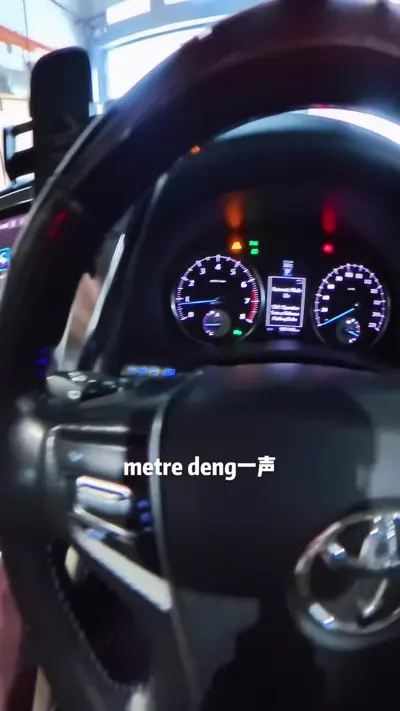
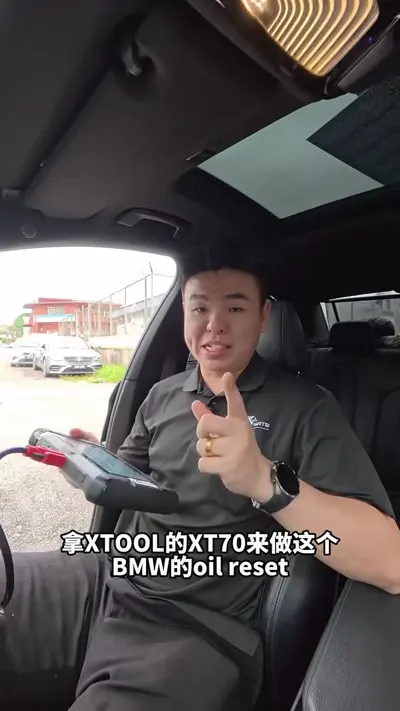
Engine oil changed on a BMW, but the service message stays. The XT70 does the oil service reset step by step.
A full TPMS job: reading the old sensor, programming a new one (including copy by OBD) and learning it to the car.
Getting the tool registered, connected and ready for your workshop.
Packages we have offered included multi-year free software updates. We show you how to update and check your update period.
The first oil reset, EPB job or coding job is where questions come up. Ask us on WhatsApp.
Our channel covers EPB auto hold, brake pad service mode, BMW oil reset, start-stop coding and TPMS sensors.
Ask about Haynes Pro repair data subscriptions for wiring diagrams and procedures.
If a tool cannot do a job on a certain car, we tell you before you buy.
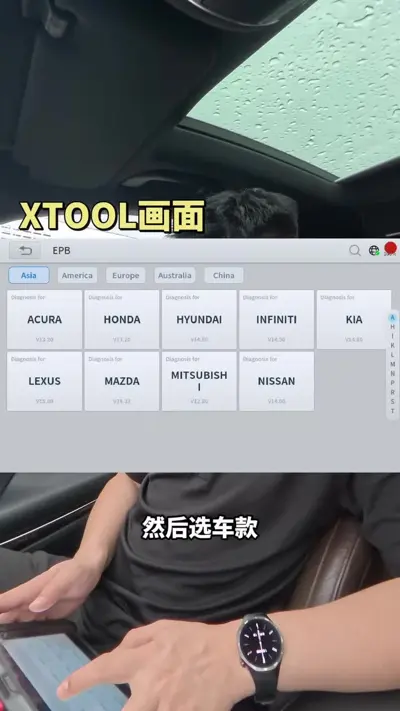
Electronic parking brakes are now common, and they cause many first-time scanner questions. To change rear brake pads, the scanner must first move the caliper to its service position. After the pads are in, it moves the caliper back and the system is checked. Our brake pad video shows this on a Mercedes.
Another common call: the car's EPB auto hold function has disappeared. Very often it is not a fault at all, but a setting that was changed. Our EPB auto hold video shows how to set it back.
A diagnostic tablet is only as good as its software. Updates add newer car models, new special functions and fixes. Most XTOOL packages we have offered include a free update period; when it ends, the tool keeps working with the software it has, and the update can be renewed.
We show every customer how to check the update status on their tool and how to run an update, so a new model coming into the workshop is not a surprise.
WhatsApp 012-551 2820 with the car, the function and a photo of the screen. We answer Monday to Friday, 9 am to 6 pm.
We help every customer get started on the tool and the common jobs, and our how-to videos cover the functions workshops ask about most.
It depends on the model and package. Packages we have offered included several years of free updates. Check the period with us before you buy.
WhatsApp the makes and jobs your workshop sees most. We'll tell you which tool fits, what it can do on those cars, and what support comes with it.